Local-first signal instrument

Haunted by design.
Built like an instrument.

SpiritBox from Ashen & Amber is a retro-inspired sweep console with a local dashboard, guided Wi-Fi setup, live frequency view, and field-ready signal states. No forced cloud, no theatrical junk, no plastic séance machine nonsense.

State IDLE
Access spiritbox.local
Network 2.4 GHz Wi-Fi
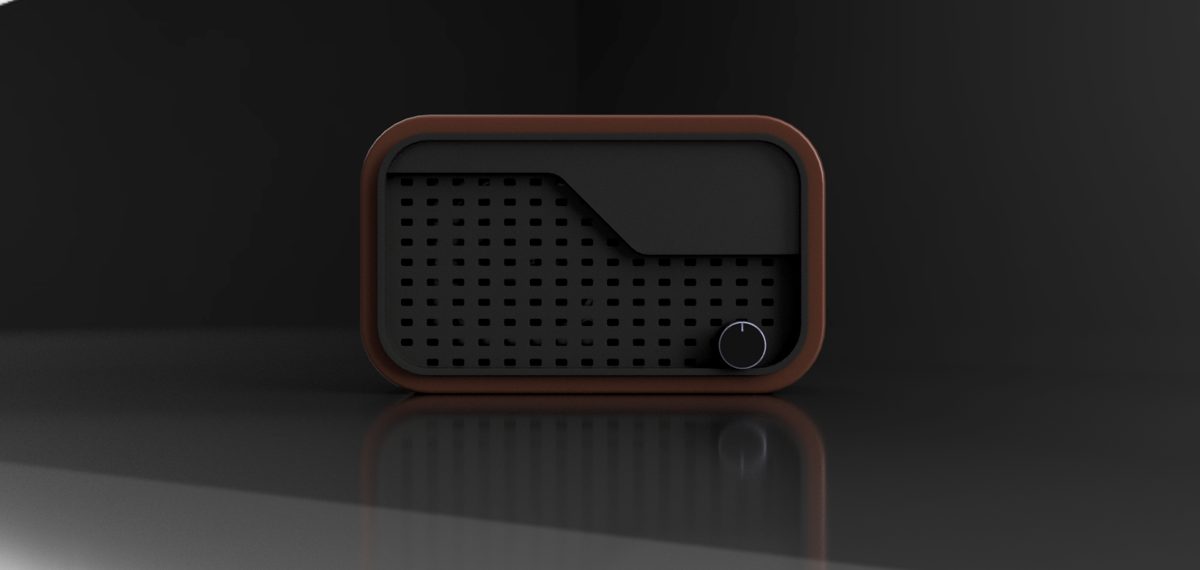
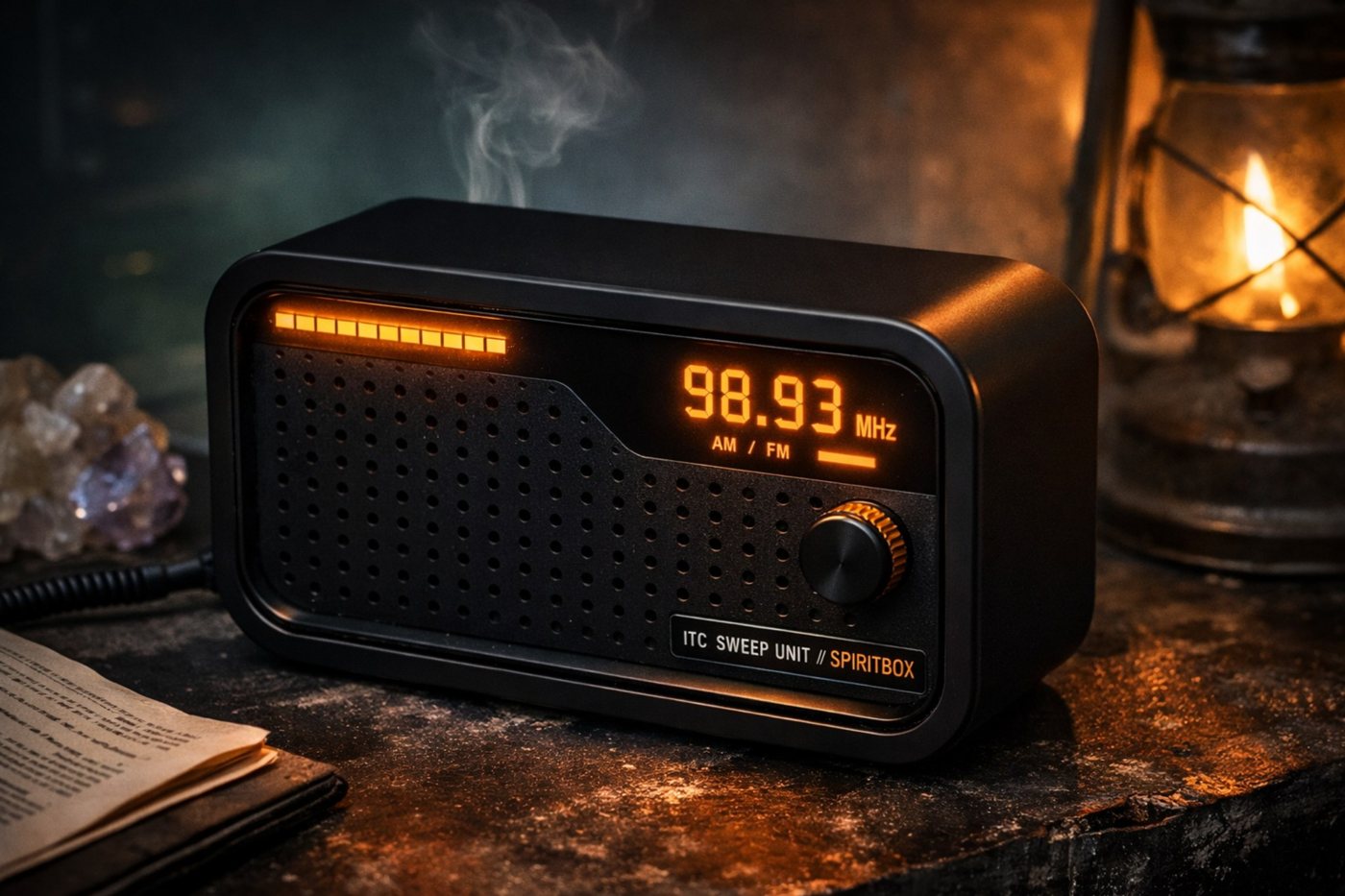
SpiritBox product render in a moody amber-lit scene

Hardware

Retro speaker body. Future-facing behavior.

What people are getting

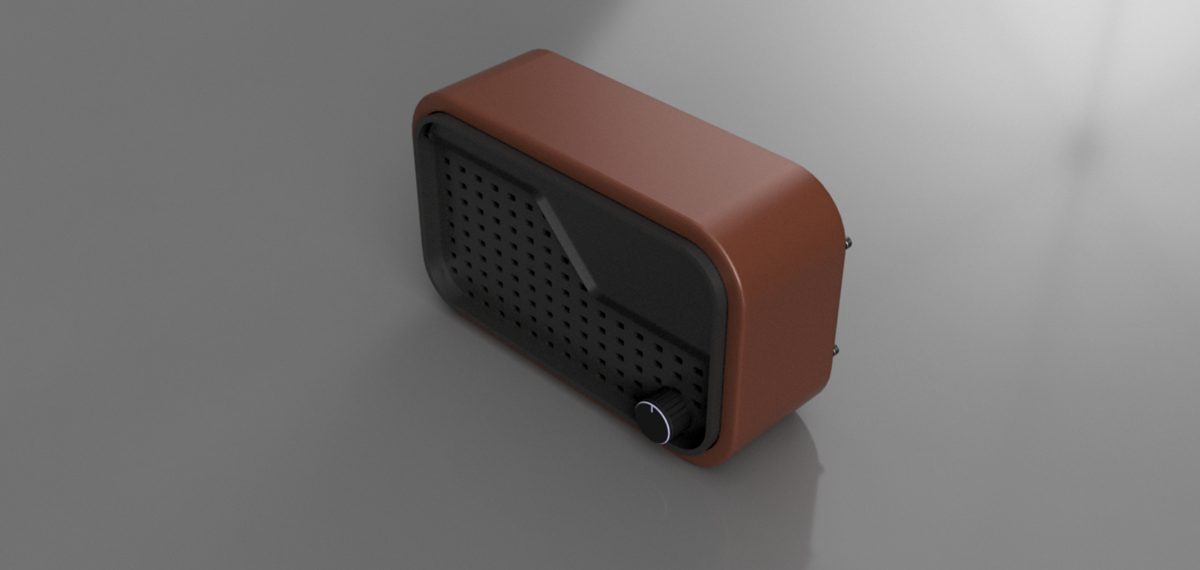
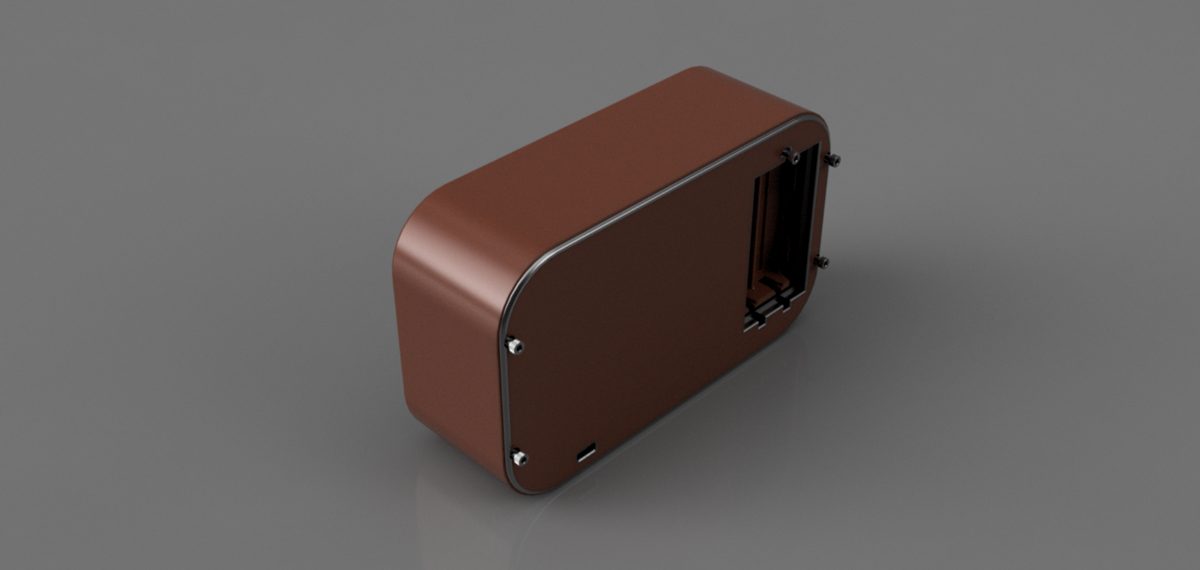
SpiritBox concept render

The site now shows an actual product render instead of only interface mockups, so the device and the dashboard read like the same system.

Physical interface

External potentiometer, dedicated status LED, reset control, and a grille-forward chassis that reads like vintage audio gear instead of novelty paranormal merch.

  • Retro speaker silhouette
  • Ambient state LED
  • Minimal tactile controls

Field-ready setup

Power it, join the temporary setup network, open the local provisioning page, then run the console from your normal network.

Local-first access

No mandatory cloud dependency for basic operation. Use the browser dashboard from phone or laptop on the same network.

Color logic

Amber for active tuning, green for cleaner reads, red for alert states. The website follows the same system so the device, dashboard, and brand all speak the same language.

Interface

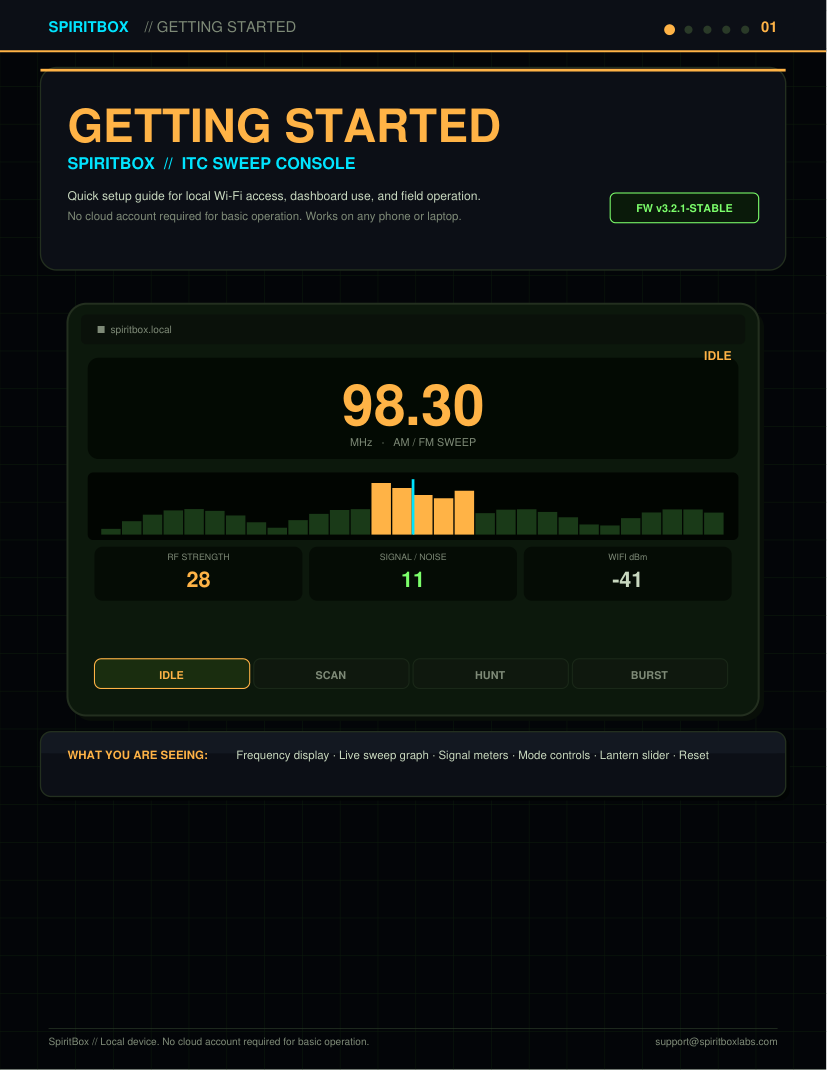
The dashboard is the real control surface.

Most interaction happens in the browser: frequency readout, sweep graph, signal meters, mode changes, lantern output, reset behavior, and device status. The box stays clean. The intelligence lives in the console.

Live frequency display
Signal / noise view
Reset and alert state
IDLE / SCAN / HUNT / BURST modes
SPIRITBOX // ITC SWEEP CONSOLE FW v3.2.1
98.30

Launch flow

Simple local setup. No ritual required.

01

Power the device

Connect USB-C power and wait for boot. The device exposes a temporary setup network on first run or after Wi-Fi reset.

02

Join setup Wi-Fi

Connect to the temporary SpiritBox access point from a phone, tablet, or laptop.

03

Open local setup

Navigate to the local setup address, enter your Wi-Fi credentials, save, and reconnect to your normal network.

04

Run the console

Open the local dashboard and control the unit from a clean browser UI with live signal metrics and mode buttons.

Reservation list

Request launch updates.

Join the reservation list for launch updates, device availability, and early production notices.

Your information is used only for launch updates and reservation notices.

By joining the list, you will receive launch and reservation updates for SpiritBox.